Google Business Profile SEO: Complete Guide for Small Businesses
09 Sept 2026 10 min readSanket Jain
Learn how to optimize your Google Business Profile for better local visibility, Google Maps rankings, reviews, and more customers.
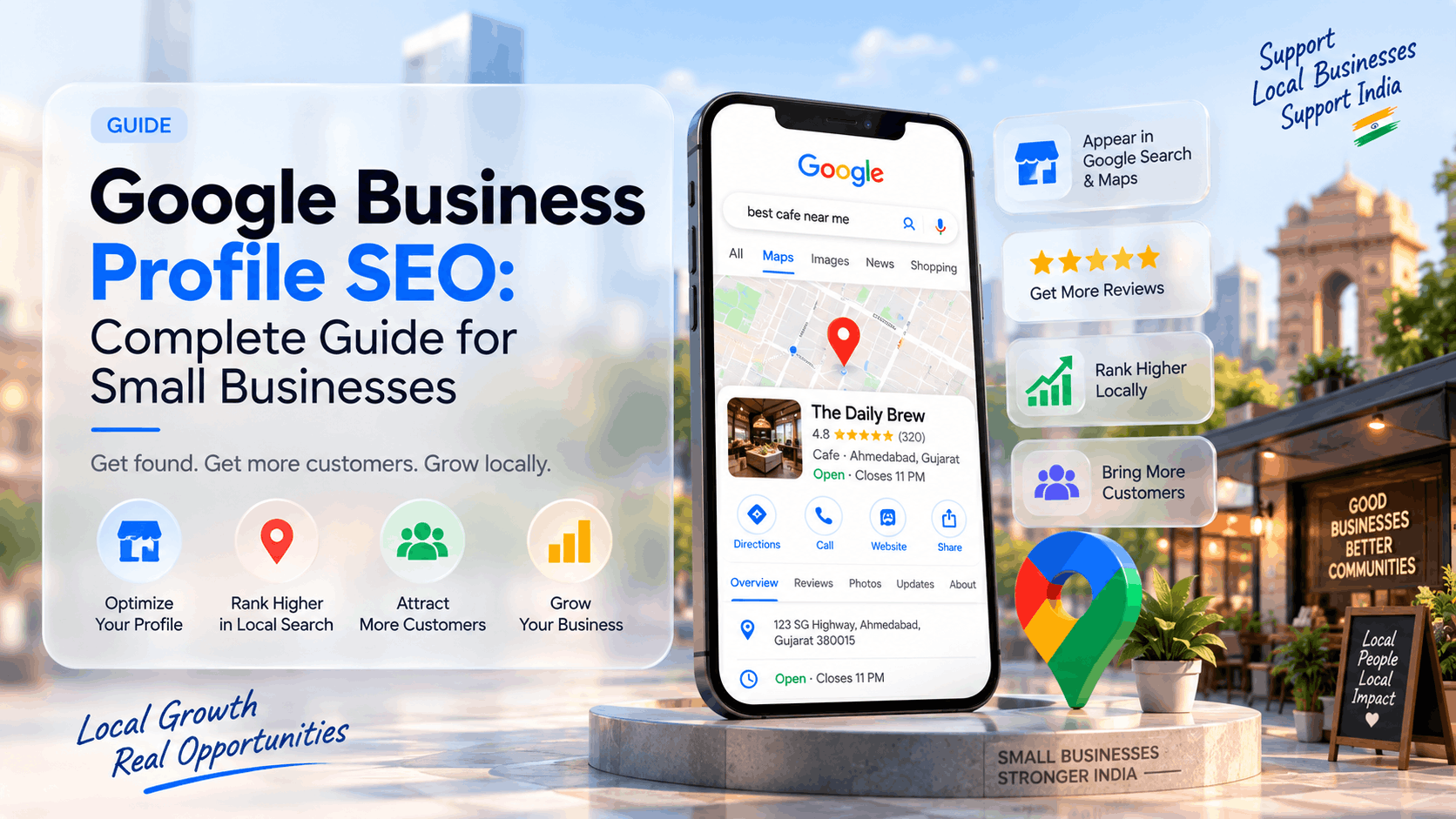
Google Business Profile SEO: Complete Guide for Small Businesses
If most of your customers find you through Google Search or Google Maps, your Google Business Profile is one of the most important assets you have.
Google Business Profile SEO is the practice of optimising that free business listing so it appears more often and more prominently in local search results and on Google Maps. For small businesses in India — restaurants, salons, dentists, travel agencies, CA firms, coaching institutes, retail shops and service providers — a well-optimised profile regularly brings phone calls, direction requests, website visits and enquiries.
This guide explains what Google Business Profile SEO actually involves, how rankings work, and the practical steps you can take to improve your visibility. It focuses on actionable optimisation rather than theory. For the wider picture of local search, see our local SEO guide for small businesses. For overall SEO strategy, refer to the complete SEO guide for small businesses.
What Is Google Business Profile SEO?
Google Business Profile SEO means optimising your free Google Business Profile (formerly Google My Business) so Google can clearly understand your business and show it to relevant local searchers.
It covers:
Completing and keeping the profile accurate
Choosing the right categories and services
Managing reviews
Adding photos and updates
Ensuring consistency with your website and other listings
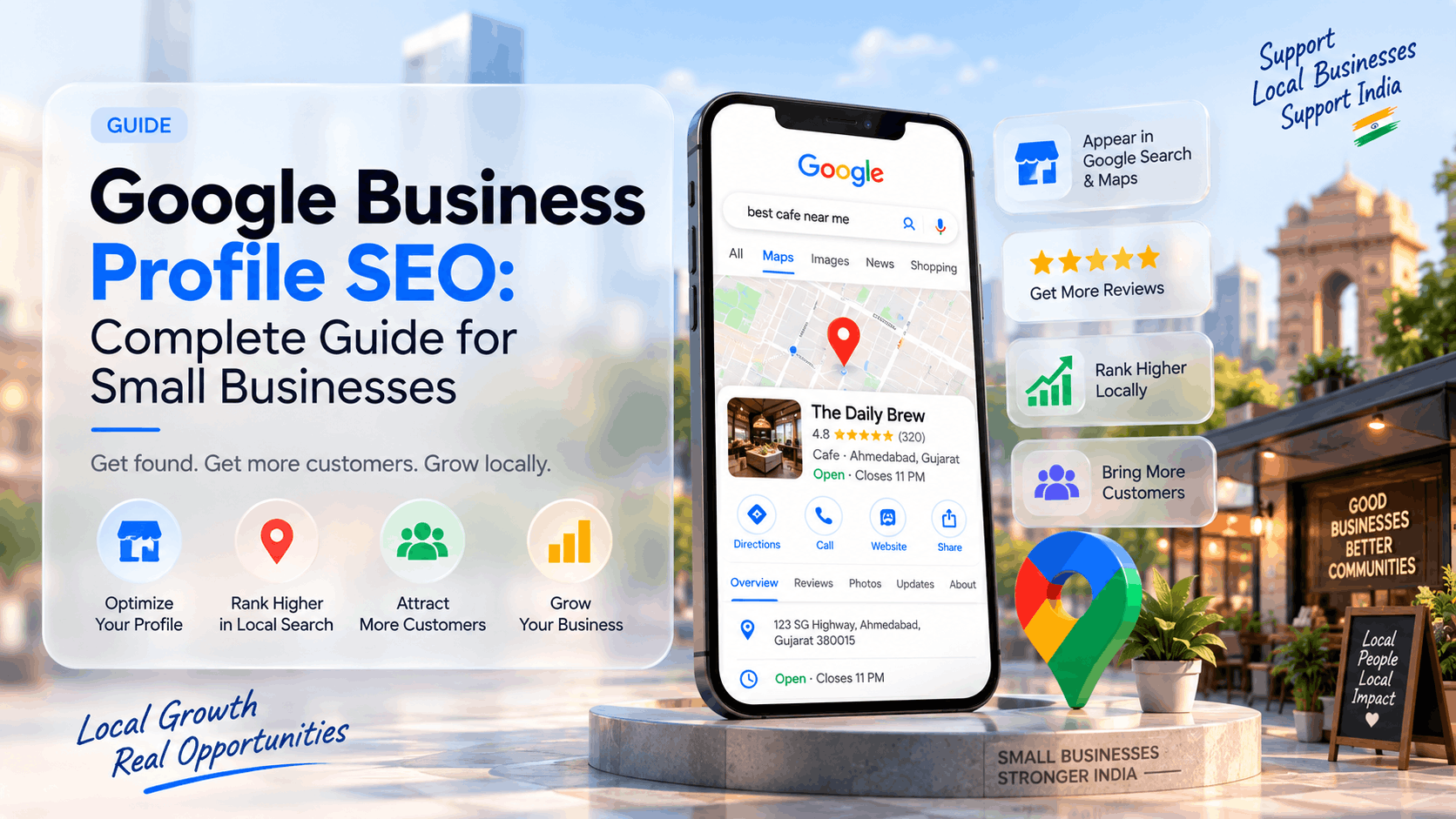
A strong profile improves your chances of appearing in the local pack (the map results) and in Google Maps when people search for businesses like yours nearby.
Does Google Business Profile Affect SEO?
Yes. Your Google Business Profile is one of the strongest signals Google uses for local ranking. It directly influences visibility in Google Maps and the local pack that appears in regular Google Search results.
It does not replace traditional website SEO, but for local searches it often has more immediate impact than many on-page changes. A complete, accurate and active profile helps Google match your business to relevant searches and builds trust with potential customers.
Why Google Business Profile Matters for Small Businesses
Most small businesses in India serve customers within a limited geographic area. When someone searches “salon near me”, “dentist in Satellite”, “travel agency near Chandkheda” or “CA firm Ahmedabad”, Google relies heavily on Business Profiles to decide which businesses to show.
A well-managed profile:
Increases visibility in local search and Maps
Generates phone calls, direction requests and website clicks
Builds trust through reviews and photos
Works 24/7 without ongoing ad spend
For many local businesses it is the highest-ROI digital marketing activity they can focus on.
How Google Business Profile Rankings Work
Google evaluates local businesses mainly on three factors:
Relevance
How well your profile matches the search query. Categories, services, business description and overall information accuracy all influence relevance.
Distance
How close your business is to the searcher or to the location mentioned in the query. A business in Zundal–Chandkheda will naturally rank better for nearby searches than one across the city.
Prominence
How established and trusted your business appears. Reviews, ratings, citations, website strength and overall online presence contribute to prominence.
No single factor guarantees top placement. Consistent accuracy, genuine customer feedback and relevant information produce the strongest long-term results.
How to Create or Claim a Google Business Profile
If you do not yet have a profile:
Go to Google Business Profile and search for your business name.
If it already exists, claim it. If not, create a new listing.
Verify ownership (usually by postcard, phone, email or video, depending on the option Google offers).
Once verified, complete every section of the profile.
Verification is essential. Unverified profiles have limited visibility and fewer features.
How to Optimize Google Business Profile for SEO
Choose the Right Business Category
Select the most accurate primary category. Add secondary categories only if they truly describe your business. Wrong categories reduce relevance.
Example: A travel agency should use “Travel Agency” as the primary category rather than a vague or incorrect one.
Optimize Your Business Information
Enter your exact business name, complete address, phone number and website. These details must match what appears on your website and other online listings. Inconsistency weakens trust signals.
Illustration with Adinath Travels:
For a business such as Adinath Travels at Ground Floor, Shop No. 18, The CBD Mall, Zundal–Chandkheda, Ahmedabad, the profile should list the precise address and the phone number 8287485590. When a new branch opens (for example on 4 September 2026), the profile and related listings should be updated promptly so both Google and customers have correct information.
Write a Useful Business Description
Write a clear, factual description of what you offer and who you serve. Include important services naturally. Avoid keyword stuffing or exaggerated claims. Keep the language helpful and easy to read.
Add Your Business Services
List the specific services customers can expect. This helps Google understand relevance for different searches and helps potential customers decide whether you are the right fit.
Add Accurate Business Hours
Keep regular hours and special hours (festivals, holidays, temporary changes) up to date. Incorrect hours frustrate customers and can hurt engagement signals.
Add High-Quality Photos and Videos
Upload clear photos of your premises, team, products or services, and work examples. Businesses with more relevant photos generally receive higher engagement. Add videos where they add value. Update the media regularly.
Add Your Website
Link to your official website. Make sure the website loads quickly on mobile and clearly displays the same business name, address and phone number.
Keep Business Information Updated
Treat the profile as a living asset. Update services, hours, photos and posts whenever something changes. Regular activity signals that the business is active.
How to Rank Higher on Google Maps
Improving Google Maps ranking is largely the result of strong profile optimisation plus supporting signals:
Complete and accurate profile information
Correct categories and services
Consistent Name, Address and Phone (NAP) across the web
Steady flow of genuine reviews
Regular profile activity (posts, photos, Q&A)
A mobile-friendly website that reinforces the same details
There is no guaranteed shortcut. Accuracy, relevance and genuine customer feedback remain the most reliable path.
How Google Reviews Affect Local SEO
Reviews influence both ranking (prominence) and conversion rates. Profiles with more recent, relevant and positive reviews tend to perform better and convert more visitors into customers.
How to Get Genuine Customer Reviews
Ask satisfied customers at the right moment (after a successful service or delivery).
Make the process easy by sharing the direct review link.
Never buy reviews, offer incentives that violate Google’s policies, or post fake reviews. These practices can lead to penalties.
How to Respond to Google Reviews
Reply to every review — positive or negative — in a professional and helpful manner. Thank customers for positive feedback. Address concerns in negative reviews calmly and offer to resolve the issue offline when appropriate. Responses show that the business is attentive.
How Local Keywords Help Google Business Profile SEO
While you cannot stuff keywords into the business name, the language you use in the description, services and posts should reflect how customers actually search.
Think in terms of real search phrases:
“travel agency Ahmedabad”
“travel agency near Chandkheda”
“dentist in [neighbourhood]”
“best salon near me”
Use natural language that matches customer intent rather than forcing exact-match phrases.
Google Business Profile and Your Website
Your website and Google Business Profile should work together.
Display the same Name, Address and Phone number clearly on the website (especially in the footer and contact page).
Ensure the site is mobile-friendly and reasonably fast.
Create clear service pages that support the services listed on your profile.
Add LocalBusiness schema markup so search engines can better understand your business details.
A strong website reinforces the signals from your profile and helps convert the traffic the profile sends.
Local Citations and NAP Consistency
Local citations are mentions of your business name, address and phone number on other websites (directories, local listings, industry sites).
NAP consistency means the Name, Address and Phone appear identically everywhere. Even small differences can create confusion.
Practical steps:
Audit existing listings and correct any inconsistencies.
Submit accurate information to relevant, reputable directories.
Focus on quality and accuracy rather than creating large numbers of low-value citations.
Local Backlinks and Business Mentions
Mentions and links from relevant local or industry websites can support prominence. Realistic approaches include:
Accurate listings on quality directories
Genuine partnerships with complementary local businesses
Coverage from local publications when you have real news (new branch, community involvement, useful local content)
Avoid buying links or using manipulative tactics.
How to Check Your Google Business Profile Performance
Use the insights available inside your Google Business Profile:
How customers find you (direct, discovery, branded searches)
Views, searches, website clicks, direction requests and phone calls
Photo views
Also monitor Google Search Console for local queries that drive impressions and clicks to your website. Track real business outcomes (calls, form submissions, walk-ins) rather than rankings alone.
Common Google Business Profile SEO Mistakes
Incomplete or inaccurate profile information
Wrong or overly broad categories
Inconsistent NAP across the web
Ignoring reviews or responding poorly
Keyword-stuffed business names or descriptions
Fake or incentivised reviews
Letting the profile go inactive (no photo updates, no posts, outdated hours)
Creating duplicate profiles
Google Business Profile SEO Checklist
Profile Foundation
Profile claimed and verified
Correct primary category + relevant secondary categories
Exact business name, address, phone and website
Clear, useful business description
Services listed accurately
Business hours (including special hours) kept current
Visual & Engagement
High-quality photos and videos uploaded
Regular photo updates
Profile posts used when relevant
Reviews
System in place to request genuine reviews
All reviews responded to professionally
Consistency & Support
NAP matches website and other listings
Website is mobile-friendly and displays correct business details
LocalBusiness schema added where appropriate
Ongoing
Profile insights reviewed regularly
Information updated whenever anything changes
Is Google Business Profile SEO Free?
Creating and optimising a Google Business Profile is free. The time and effort required to keep it accurate and active are the main investments. Professional help with optimisation, review management or broader local SEO is optional and charged according to scope.
Can You Do Google Business Profile SEO Yourself?
Yes. Most of the foundational work — completing the profile, adding photos, requesting reviews, keeping information updated — can be handled by the business owner or a team member. More competitive markets or multi-location businesses often benefit from experienced support for strategy, citation cleanup and ongoing management.
How Long Does Google Business Profile SEO Take?
Many businesses notice improvements in views, calls or direction requests within a few weeks after proper optimisation, especially if the profile was previously incomplete. Stronger results in competitive areas usually build over several months of consistent activity and genuine reviews. Local visibility is ongoing work, not a one-time task.
Ready to Improve Your Google Business Profile?
A well-optimised Google Business Profile is one of the most practical ways for small businesses in India to attract more local customers from Google Search and Maps. The businesses that keep their information accurate, collect genuine reviews and stay active tend to outperform those that set up a profile once and forget it.
If you want help optimising your Google Business Profile, improving your Google Maps presence, or building an SEO-friendly website that supports local search, SanketBuilds can assist. We work with small businesses on Google Business Profile optimisation, local SEO and web development with a focus on clear, practical results.
Need help optimising your Google Business Profile or improving your local visibility on Google? Get in touch for a conversation about what would make the most sense for your business.